Upwork vs. Fiverr: How to Land Clients on Each (Beginner Breakdown)
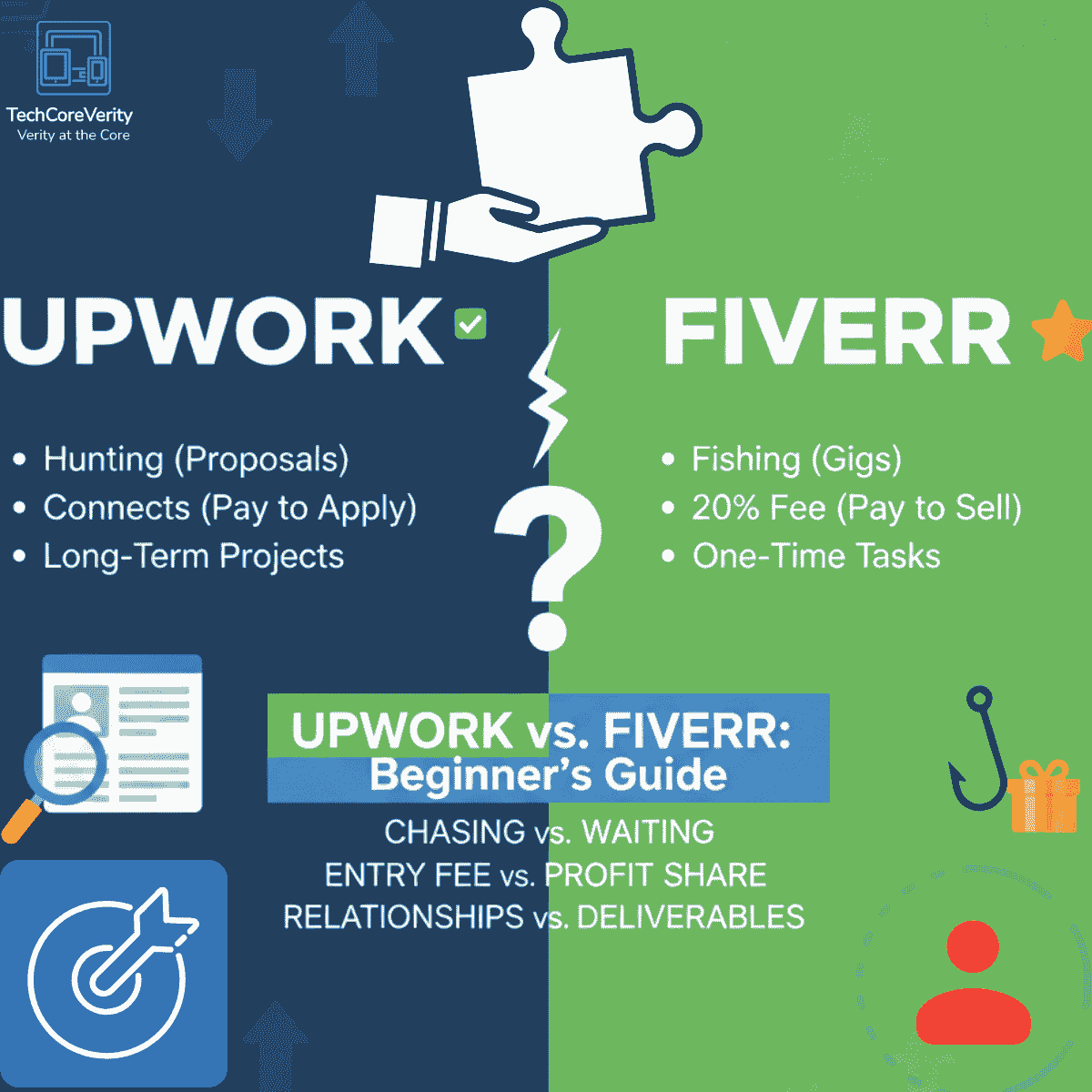
Getting clients on Upwork and Fiverr might feel similar at first—you’re both putting your skills out there for the world to see—but the way you actually snag those gigs? Totally different vibes.
1. Chasing Jobs vs. Setting Up Shop
On Upwork, you’re the one doing the hunting. You scour job postings, craft personalized proposals (sometimes 100+ words each), and basically sell yourself to stand out in a sea of applicants. It’s active and competitive—newbies often spend hours daily just pitching. Fiverr flips that: You’re the shopkeeper with a digital storefront. You create “Gigs” (think service packages with eye-catching thumbnails, descriptions, and pricing tiers like Basic, Standard, Premium), optimize them with keywords for search, and wait for buyers to knock. Pro tip for starters: On Fiverr, killer visuals and FAQs can make clients hit “Order” without chatting first.
2. Paying Upfront to Pitch vs. Paying a Cut After
Upwork charges “Connects”—those are like tokens to submit proposals. New basic accounts get 10 free per month, but that’s gone quick if you’re hustling (especially with invite-only jobs needing extra). You’ll buy more at ~$0.15 each, and it adds up—I’ve seen freelancers drop $20-50 monthly early on. Fiverr? Zero upfront costs to list Gigs or get messages. But once you deliver, they skim 20% off your earnings (drops to 10% at higher volumes). It’s pay-from-success, so no risk if gigs flop, but that cut stings on small orders. Beginners: Upwork’s barrier weeds out casuals; Fiverr lets you test fast but demands strong profiles to rank. [web: prior freelance context]
3. Long-Term Partnerships vs. Quick Deliverables
Upwork shines for meaty, ongoing projects—think monthly retainers for web dev, content strategy, or SEO audits where clients want someone reliable for the haul. Proposals often lead to interviews and milestones. Fiverr’s bread-and-butter is bite-sized tasks: a logo in 24 hours, video edit, or 500-word blog post. Gigs are fixed-scope, so revisions are baked in, but scaling to repeat buyers needs “Gig Extras” or packages. Heads-up for newbies: Upwork favors portfolios with client testimonials; Fiverr thrives on Level 1/2 badges earned via quick wins and 4.8+ ratings.
A Few Extras Newbies Miss
- Profile Polish: Upwork loves detailed overviews, skills tests (free badges boost visibility), and availability calendars. Fiverr? Video intros convert 200% better, per seller forums.
- Visibility Hacks: Upwork—boost proposals with “Rising Talent” status (earned via jobs). Fiverr—promoted Gigs (you pay per click, optional) or buyer requests to snag early orders.
- Payouts & Rules: Both verify ID eventually, but Upwork holds funds 5-10 days post-milestone; Fiverr clears in 14 days for new sellers (7 after Level 1).
- The Experience Catch: No clients yet? Upwork lets “off-platform” work count; Fiverr’s tougher—fake it ’til you make it with samples, but dodge violations.
If you’re starting out, test both: Upwork for depth, Fiverr for speed. Like this if it vibes, follow for more freelance tips, and peep my post on the “Experience Paradox” for New Fiverr Sellers: https://lnkd.in/duzu36vh. What’s your go-to platform? Drop it below!

Thank you for visiting our site! Please share this post with your friends. If you’d like us to create a new post about this topic or have suggestions for improvement, feel free to let us know in the comments, on Telegram, or via email at
You Can Also Join US on Telegram & Whatsapp
You Might Also Like

DeepSeek-R1 vs. ChatGPT: Which Free Tier Actually Gives You More in 2026?
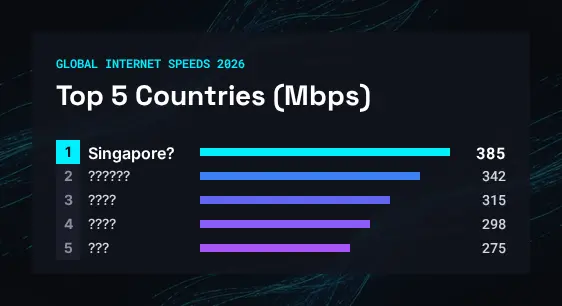
Top 5 Countries with Fastest Internet Speeds in 2026 (Mbps Breakdown)
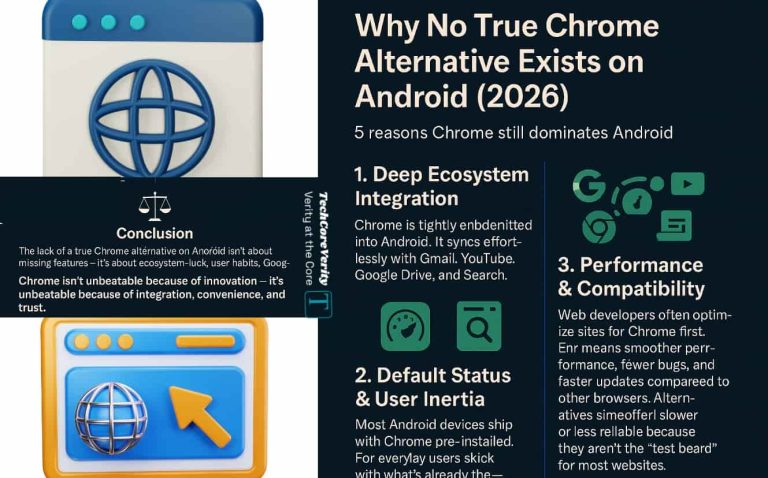
Why No True Chrome Alternative Exists on Android (2026)

Top 5 Free AI Chatbots in 2026 I Use for Daily Tasks

Top 5 New Features in Telegram
