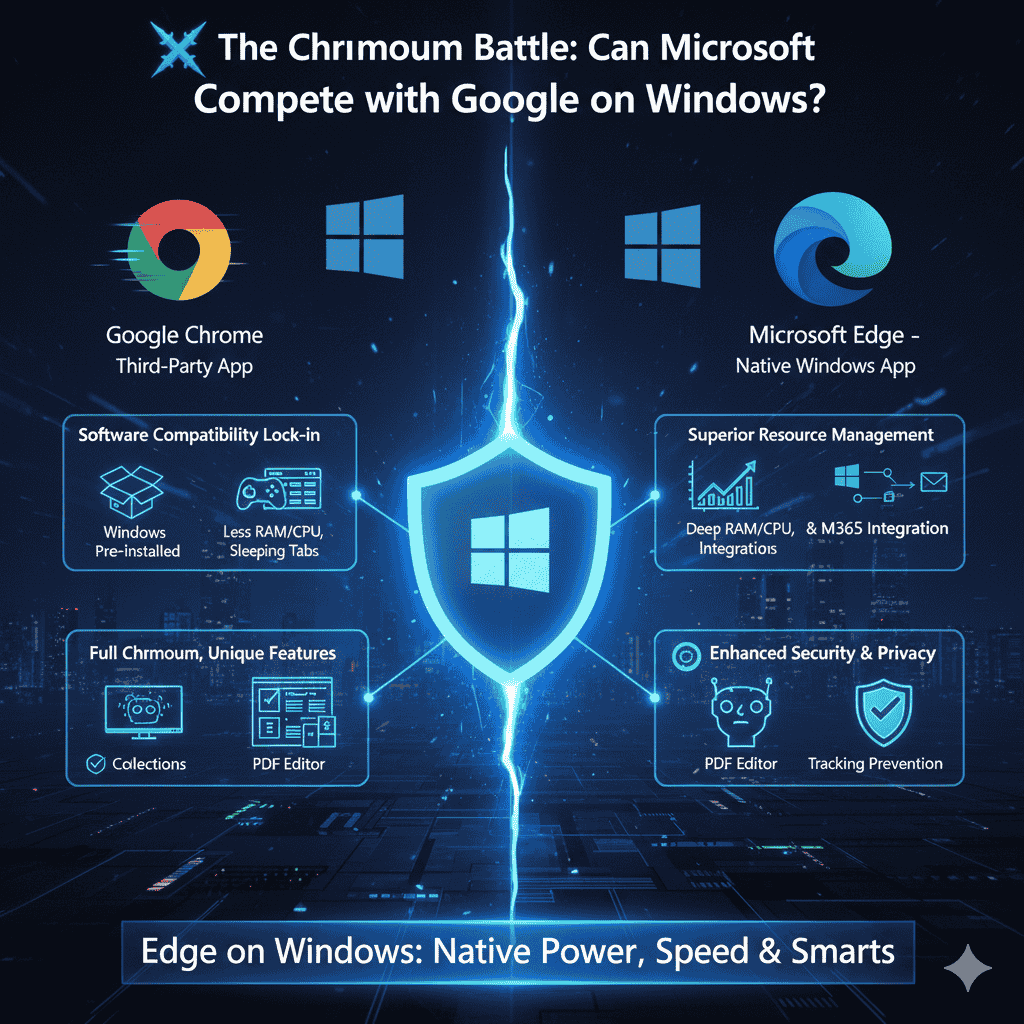
Google Chrome has long reigned as the king of web browsers, holding the vast majority of the desktop market share. However, since Microsoft abandoned its original Edge engine and rebuilt the browser on the Chromium foundation (the same open-source project that powers Chrome) in 2020, Microsoft Edge has emerged as a serious, technically proficient competitor.
Why Focus on Windows OS?
Discussing this competition strictly in terms of the Windows OS is critical because this is the platform where Edge has its native and deepest competitive advantage. As a product of the Windows developer (Microsoft), Edge benefits from system-level integrations and optimizations that Chrome, as a third-party application, cannot access. These inherent advantages are what allow Edge to genuinely compete with—and in some ways, surpass—Chrome on its own home turf.
How Edge Can Compete on the Windows OS
Edge’s competitive edge on Windows comes from its technical foundation (shared with Chrome) combined with its unique system-level enhancements, efficiency, and integrated features.
- Superior Resource Management and Performance:
- Edge is consistently optimized to be less demanding on system resources, particularly RAM and CPU, than Chrome.
- Features like “Sleeping Tabs” automatically suspend background tabs to free up memory, and “Efficiency Mode” reduces CPU usage when the laptop battery is low, leading to better overall PC performance and battery life on Windows devices.
- Deep Windows and Microsoft Ecosystem Integration:
- Edge is the default browser on Windows, ensuring seamless integration with the operating system’s features, including native notifications, Windows Defender SmartScreen security checks, and integration with the Windows Search bar.
- It offers effortless, one-click access to the Microsoft 365/Office ecosystem (Word, Excel, OneDrive, Outlook) directly from the sidebar, which is highly advantageous for users invested in Microsoft’s productivity suite.
- Built-in AI and Productivity Tools (Copilot Integration):
- Edge has heavily integrated Microsoft Copilot (powered by Bing Chat) directly into the browser. This allows users to summarize web pages, ask contextual questions about the content on the screen, and even generate images without leaving the current tab.
- Unique organizational tools like “Collections” (for saving, organizing, and exporting web content) and native vertical tabs provide productivity benefits that Chrome requires extensions to partially replicate.
- Full Chromium Compatibility with Unique Features:
- Since both browsers share the Chromium base, Edge offers 100% compatibility with all websites and can install virtually any extension from the Chrome Web Store.
- Edge adds specialized, unique features on top of this compatibility, such as an Immersive Reader (which removes clutter for easy reading), a superior built-in PDF viewer/editor, and an in-game browser for gamers.
- Enhanced Security and Privacy Controls:
- Edge includes the Windows Defender SmartScreen for real-time protection against phishing and malware.
- It offers clearer and more granular Tracking Prevention settings (Basic, Balanced, Strict) that give users more control over their privacy, contrasting with Chrome’s position as the primary data collection tool for Google’s advertising business.
Thank you for visiting our site! Please share this post with your friends. If you’d like us to create a new post about this topic or have suggestions for improvement, feel free to let us know in the comments, on Telegram, or via email at webdevfaizan1@gmail.com.