Welcome to the world of Linux! Choosing your first Linux distribution (or “distro”) is the most important step, as it sets the tone for your entire experience. A distro is essentially the Linux kernel bundled with a desktop environment, system utilities, and a pre-selected suite of applications.
Why Start with User-Friendly Distros?
While every Linux distribution shares the same core (the Linux kernel), beginner-friendly distros are designed to minimize the learning curve and maximize the “it just works” factor:
- Easy Installation: They feature intuitive graphical installers that simplify partitioning and setup, similar to installing Windows or macOS.
- Familiar Interfaces: They often use desktop environments that mimic the familiar look and feel of Windows (Start menu, taskbar), reducing the initial shock of a new OS.
- Out-of-the-Box Software: They pre-install essential software like office suites, media codecs, and web browsers, so you can start working immediately without needing the command line.
- Massive Community Support: Distros like Ubuntu and Mint have the largest communities, meaning when you search for a solution to a problem, the answer is almost certainly already documented.
The distributions you listed are excellent choices, and I recommend keeping all of them on the list as they each cater to slightly different needs!
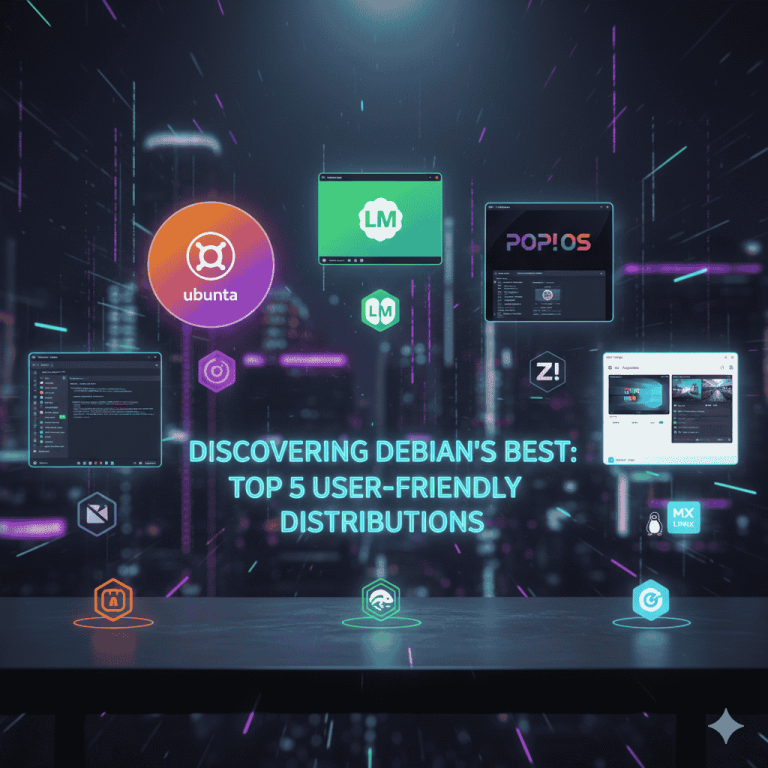
Top 5 Linux Distributions for Beginners
These distributions are highly recommended for new users, especially those migrating from Windows:
- 1. Linux Mint (Cinnamon Edition)
- Best For: Users switching from Windows 7 or 10 who want ultimate familiarity and stability.
- Why It’s User-Friendly: Its flagship Cinnamon desktop environment is deliberately styled like a traditional Windows desktop, complete with a “Start Menu” and taskbar. It is built on the rock-solid base of Ubuntu LTS and includes multimedia codecs out of the box.
- 2. Zorin OS (Core Edition)
- Best For: Users who want a polished, modern aesthetic that easily mimics Windows 11 or macOS layouts.
- Why It’s User-Friendly: It features the “Zorin Appearance” tool, which allows you to change the desktop layout with a single click to match the OS you are coming from. It also integrates compatibility tools like WINE, which makes installing some Windows applications simpler.
- 3. Ubuntu (LTS Version)
- Best For: Users who value the largest community support, official documentation, and enterprise-grade stability.
- Why It’s User-Friendly: It has the largest user base, meaning virtually every Linux question has an answer specific to Ubuntu. Its installer is straightforward, and its Long-Term Support (LTS) releases are stable for years, providing a reliable learning platform.
- 4. MX Linux
- Best For: Users with older, lower-spec hardware who need excellent performance and unique system tools.
- Why It’s User-Friendly: It uses the lightweight XFCE desktop by default, making it incredibly fast on older machines (like those 10-15 years old). It also includes a suite of custom “MX Tools” that simplify advanced tasks—like fixing boot issues—through a simple graphical interface.
- 5. Linux Lite
- Best For: Absolute beginners or those running very old hardware who need a minimal, resource-light system.
- Why It’s User-Friendly: It is highly focused on being lightweight and simple. It includes a “Welcome Screen” that walks new users through the first steps, such as installing drivers, applying updates, and backing up the system, all in a beginner-friendly point-and-click way.
Conclusion: Your Gateway to Linux
Choosing your first Linux distribution doesn’t have to be daunting. The key is selecting a distro that prioritizes user-friendliness and stability, minimizing the need for complex command-line actions early on.
Linux Mint is highly recommended for its classic Windows-like desktop environment and robust stability, making it the smoothest transition point. Alternatively, Zorin OS offers incredible polish and layout flexibility, while MX Linux and Linux Lite are perfect for breathing new life into older hardware.
The most important takeaway is simply to choose one and start experimenting!
Thank you for visiting our site! Please share this post with your friends. If you’d like us to create a new post about this topic or have suggestions for improvement, feel free to let us know in the comments, on Telegram, or via email at
You Can Also Join US on Telegram & Whatsapp