Debian Linux is renowned for its stability, security, and unwavering commitment to free and open-source software. It’s the rock-solid foundation for countless servers, embedded systems, and even desktop environments worldwide. However, pure Debian, while powerful, can sometimes present a steeper learning curve for newcomers due to its vast options and minimal default configurations.
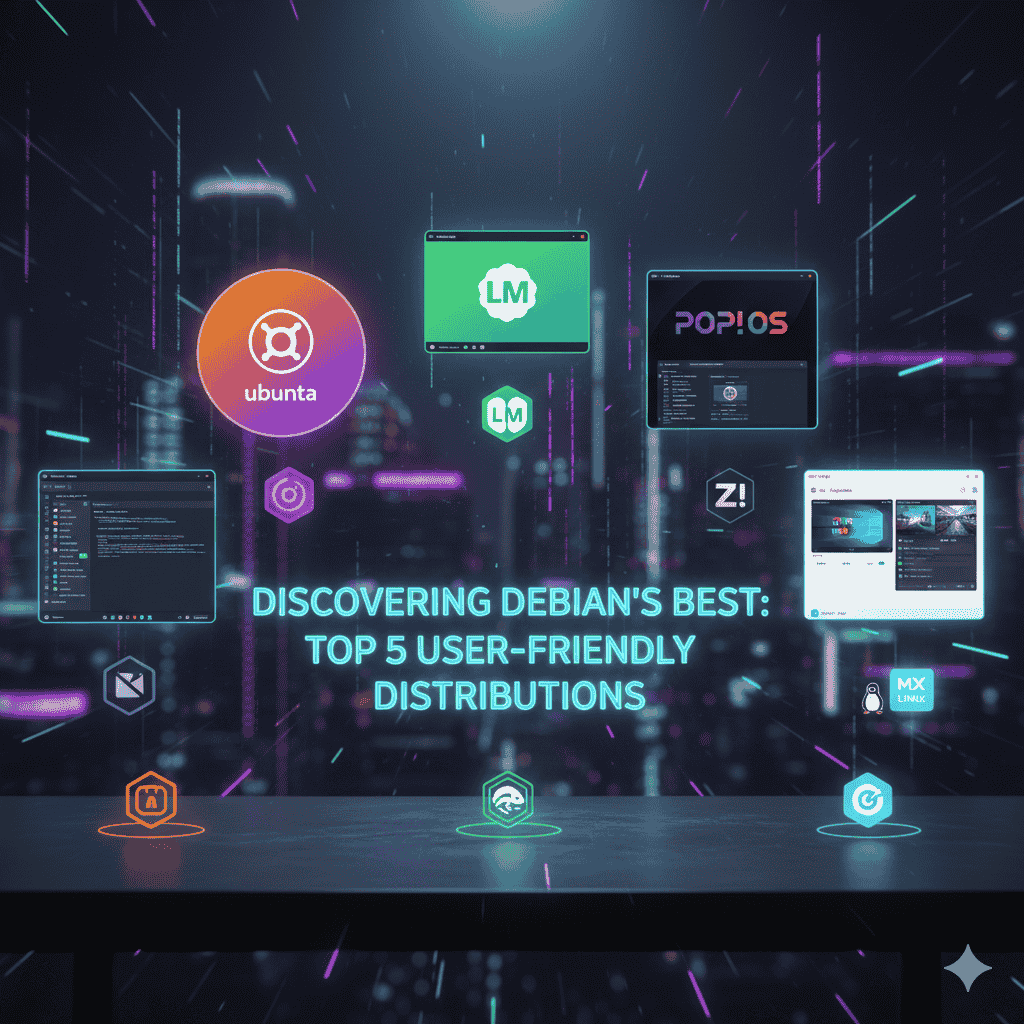
Top 5 User-Friendly Debian-Based Linux Distributions
Here’s a list of Debian-based distributions that prioritize ease of use without sacrificing the underlying strength of Debian:
- Ubuntu
- Description: Perhaps the most famous Debian derivative, Ubuntu is known for its large community, extensive documentation, and a focus on user-friendliness. It offers a consistent user experience with its GNOME-based desktop (Unity in older versions, various flavors with other desktops).
- Requirements:
- CPU: 2 GHz dual-core processor or better
- RAM: 4 GB system memory
- Storage: 25 GB of free hard-drive space
- Basic Things:
- Comes with a vast software repository.
- Offers long-term support (LTS) versions with 5 years of updates.
- Widely supported by hardware vendors and software developers.
- Linux Mint (Cinnamon/MATE Edition)
- Description: Linux Mint is celebrated for its traditional desktop metaphors and out-of-the-box multimedia support. It aims to provide a “complete ready-to-use experience” by including codecs and proprietary software that Ubuntu sometimes omits.
- Requirements:
- CPU: 2 GHz dual-core processor or better
- RAM: 2 GB RAM (4 GB recommended for comfortable usage)
- Storage: 20 GB of disk space (100 GB recommended)
- Basic Things:
- Extremely user-friendly interface, especially the Cinnamon desktop.
- Based on Ubuntu LTS, inheriting its stability and software availability.
- Includes update manager and system snapshots for easy maintenance.
- Pop!_OS
- Description: Developed by System76, Pop!_OS is built on Ubuntu and designed specifically for creators, gamers, and developers. It features a custom GNOME desktop environment called COSMIC, offering excellent workflow enhancements like advanced tiling and keyboard shortcuts.
- Requirements:
- CPU: 64-bit processor
- RAM: 4 GB RAM (8 GB recommended)
- Storage: 20 GB of storage (SSD recommended)
- Basic Things:
- Excellent driver support, particularly for NVIDIA GPUs.
- Offers a refresh install option that keeps user files.
- Optimized for performance and includes a dedicated recovery partition.
- Zorin OS
- Description: Zorin OS focuses on making the transition from Windows or macOS to Linux as smooth as possible. It features a highly customizable desktop that can mimic the look and feel of other operating systems, along with a suite of pre-installed applications.
- Requirements:
- CPU: 1 GHz Dual Core processor – 64-bit
- RAM: 2 GB RAM (4 GB recommended for Core/Pro)
- Storage: 15 GB (Core/Lite) or 40 GB (Pro)
- Basic Things:
- “Zorin Appearance” tool to change desktop layout.
- Comes with essential apps for productivity and multimedia.
- Lite version available for older hardware.
- MX Linux
- Description: MX Linux is a mid-weight, desktop-focused operating system that combines an elegant and efficient desktop with high stability, solid performance, and a medium-sized footprint. It’s built on Debian Stable and uses Xfce as its default desktop environment.
- Requirements:
- CPU: Any Intel or AMD i686 or x86_64 compatible processor
- RAM: 1 GB RAM (2 GB recommended)
- Storage: 6 GB free hard drive space (20 GB recommended)
- Basic Things:
- Features “MX Tools” for various system tasks and configurations.
- Excellent for older hardware while still providing a modern experience.
- Known for its robust persistence features when run as a live USB.
Thank you for visiting our site! Please share this post with your friends. If you’d like us to create a new post about this topic or have suggestions for improvement, feel free to let us know in the comments, on Telegram, or via email at webdevfaizan1@gmail.com.