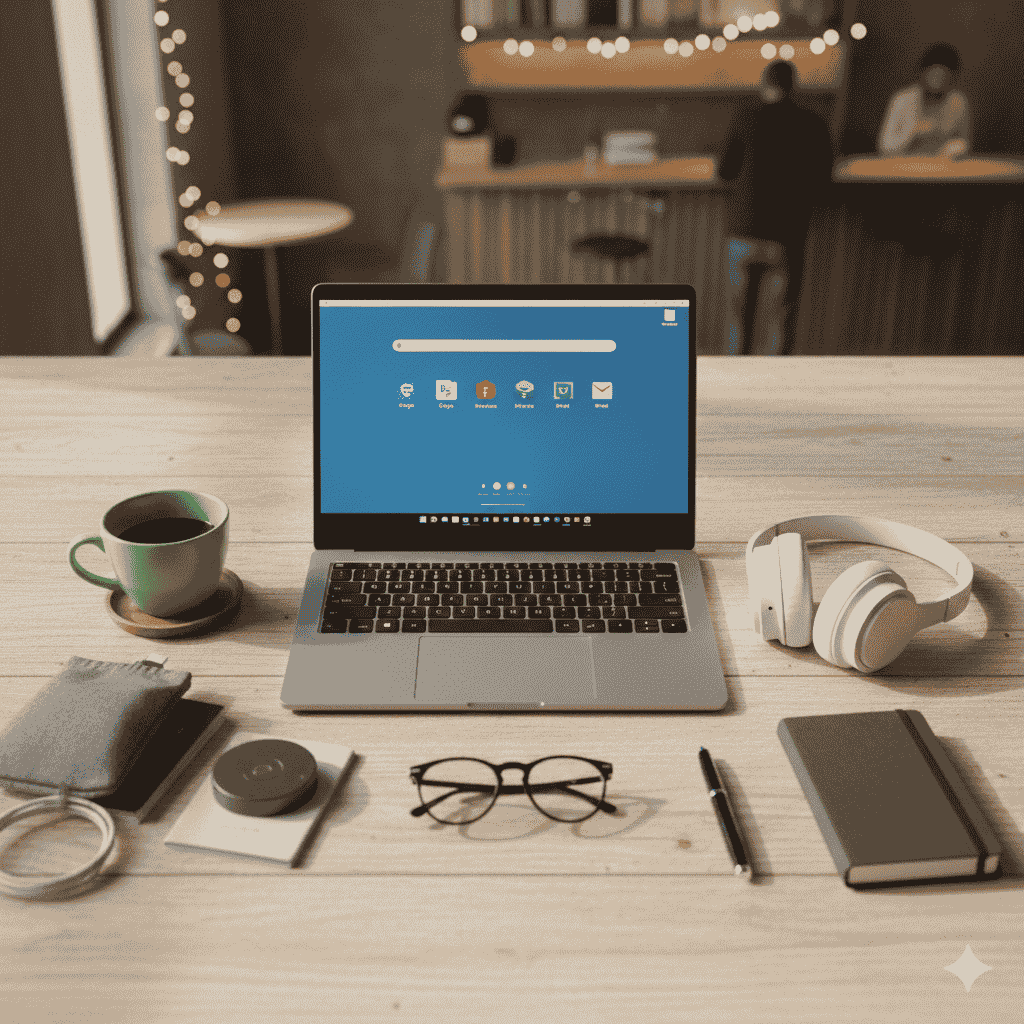
Why the Chromebook is the Most Portable Laptop for Basic Office Work
Chromebooks have become a top choice for users whose work revolves around web-based applications and basic productivity tasks. Their design philosophy, centered on the lightweight ChromeOS and reliance on cloud services, naturally lends itself to superior portability compared to many traditional laptops running Windows or macOS. This makes them ideal for the modern mobile professional, student, or casual user who needs to work efficiently from anywhere.
Here are five detailed points on why the Chromebook stands out as the most portable device for basic office work:
1. Minimalistic Hardware Requirements Lead to Ultra-Lightweight Design
The core of a Chromebook’s portability advantage lies in its operating system, ChromeOS. Since the OS is lightweight and optimized for web-based tasks (like using Google Docs, Sheets, and Gmail), it does not require the heavy-duty components—such as large hard drives, powerful dedicated graphics cards, or high-end processors—that traditional laptops often need.
- Resulting Portability: This allows manufacturers to build Chromebooks with smaller, lighter components and slimmer chassis, often weighing under three pounds (1.3 kg). They are frequently made with less expensive and lighter materials, making them incredibly easy to carry in a bag all day without strain.
2. Exceptional, All-Day Battery Life
For a device to be truly portable, it must be capable of extended use away from a power outlet. Chromebooks are renowned for their significantly longer battery life compared to many similarly priced Windows or Mac laptops.
- Reasoning: The combination of an energy-efficient ChromeOS, lower-power processors, and optimized hardware allows many Chromebook models to offer 8 to 12+ hours of battery life on a single charge. This means users can comfortably work through a full workday, travel, or attend multiple meetings without needing to carry a bulky charger or search for an outlet.
3. Cloud-Centric Storage Eliminates Local Bulk
Chromebooks are inherently designed around cloud storage, particularly Google Drive. This reliance on the cloud minimizes the need for large, costly, and resource-intensive local storage drives (SSDs or HDDs).
- Impact on Portability: Because files and applications are primarily stored online, Chromebooks can feature much smaller internal storage (often 64GB or 128GB eMMC or SSD). This reduces both the physical weight and the overall cost of the device, reinforcing its slim and light design. You don’t need to carry physical drives or worry about running out of local space for essential work files.
4. Instant Start-up and Quick Performance
True portability involves efficiency—the ability to get up and running instantly. Chromebooks are designed to boot up in a matter of seconds (often around 5-10 seconds), far quicker than most traditional laptops.
- Benefit for Mobile Work: This “instant-on” capability is crucial for office workers who move between locations, need to take quick notes in a meeting, or start a video call without delay. The fast start-up and immediate performance for web-based applications mean there is virtually no downtime, maximizing productivity while on the go.
5. Seamless and Simple User Experience
The simplicity of ChromeOS contributes to its suitability for mobile, basic office work. It focuses entirely on browser-based and Android apps, which are often less resource-intensive than their full desktop software counterparts (like a full desktop installation of Microsoft Office).
- Ease of Maintenance: This streamlined environment means fewer complex settings, background processes, and less need for user maintenance, which translates to a consistent, fast experience whether you are in a coffee shop or a conference room. The focus on a web-first workflow perfectly aligns with standard office tasks like email, document creation, and video conferencing.
Conclusion:
In summary, the Chromebook’s dominance in the realm of portable laptops for basic office work is not accidental; it is the direct result of a design philosophy prioritizing mobility, efficiency, and cloud-centric operation. By leveraging a lightweight operating system (ChromeOS) that requires minimal hardware, Chromebooks achieve an unparalleled combination of:
- Ultra-Lightweight Build
- All-Day Battery Life
- Fast Boot-up Speeds
- Cloud-Based Simplicity
You Might Also Like
Top 5 Easiest Free Chrome OS Alternatives for Old PCs (No Fuss, Just Works)

The Ultimate Guide: Best Linux Server Distros vs. Windows in 2026

🐧 Top 10 Linux Distros I’ve Used: User-Friendly, Fast, Up-to-Date, and Backed by Active Communities

Why You Can Use Linux for Most Work Tasks in 2026

Why I Stitched to Linux form Windows Operating System?